Getting Started
Everything you need to know to set up and start using your agronomic technology platform.
Choose Your Starting Point
Learn how to make the best use of our GreenCast® Connect (GCX) services.
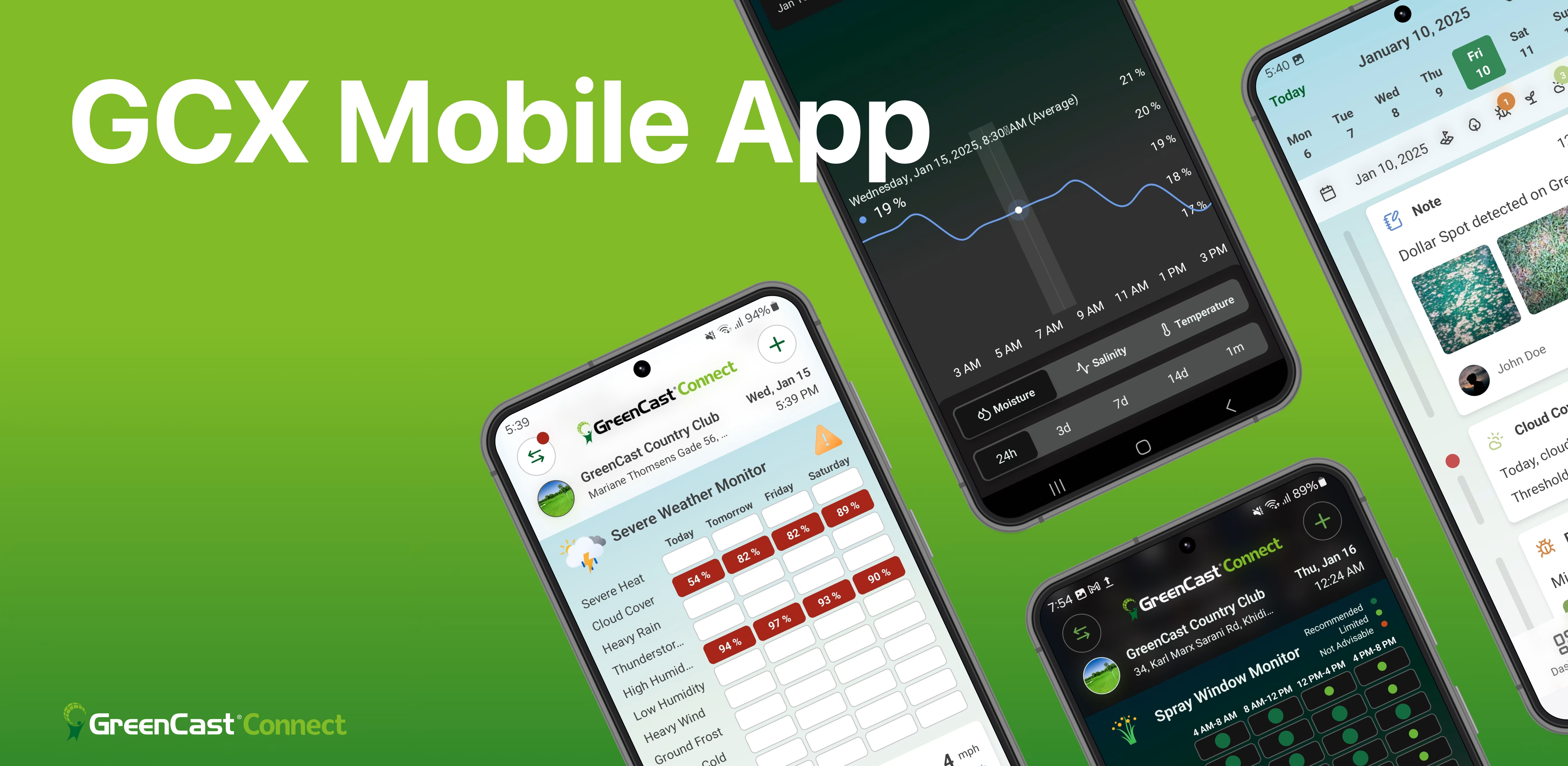
GreenCast® Connect, the Future of Digital Turf Agronomy
Discover how GreenCast® Connect helps you manage turf with precision, efficiency, and actionable insights.
Getting Started: Create Your GreenCast® Connect Account
Set up your GreenCast® Connect account quickly and effortlessly in just a few steps, all from your mobile device.
Weather Insights with GreenCast® Connect
Access and interpret key weather insights that impact turf health and guide your daily maintenance decisions.
Customizing Your GreenCast® Connect Dashboard
Manage dashboard widgets with ease—add, sort, or remove them to customize your view and track turf health.
Creating and Managing GDD Trackers
Learn how to create, customize, and track Growing Degree Days (GDD) in GreenCast® Connect. Manage trackers and get real-time insights!
Pest Risk Monitoring Made Simple
Learn to use GreenCast® Connect Pest Risk Widgets. See how color-coded risk levels and a 3-day outlook turn local weather data into proactive turf management.
Spray Window Monitor Made Simple
Watch a quick tutorial on using the spray window monitor to optimize application timing and turf care.
GCX Growth Potential Widget
Use the growth potential widget for warm- and cool-season turf, interpret 7-day historical data and forecasts, and view detailed charts in the GCX app.
Viewing Individual Spiio Sensor Data Points in GCX
Switch from area averages to individual sensor readings and track moisture, salinity, and temperature over time.

Introduction to the Weather Monitor
Get an overview of the weather monitor page and explore all key metrics for smarter turf management planning.
Introduction to the Pest Risk Monitor
Stay ahead of turf pests with the Pest Risk Dashboard—get alerts, monitor diseases and weeds, and view details.
First overview: Access & Use Key Features
Monitor Spiio soil sensors and view real-time data for your organization on GreenCast® Connect Desktop.
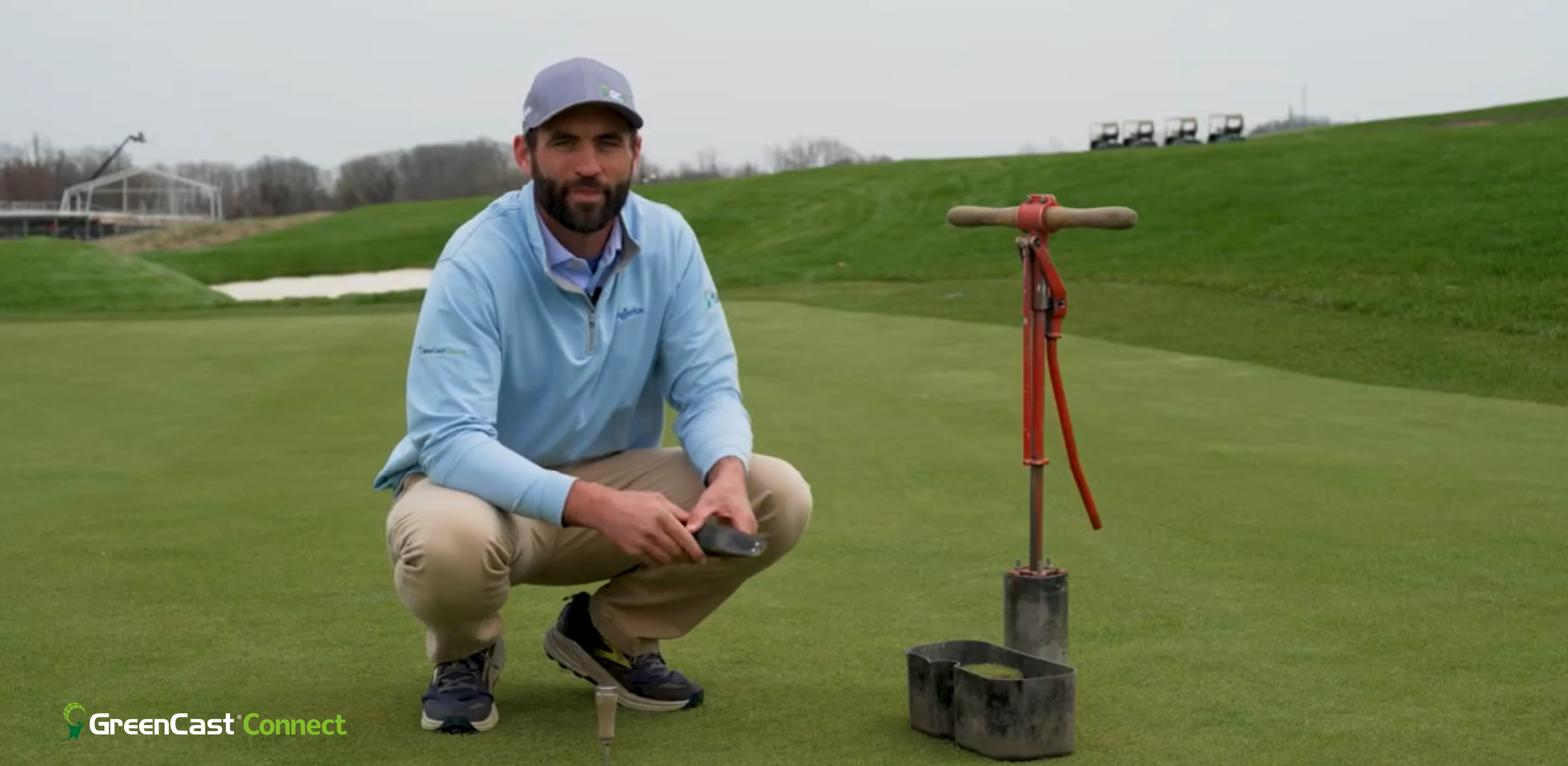
How to Install a Spiio Soil Sensor
Install and activate your Spiio soil sensors with the PRO plan. Learn placement tips and best practices for accurate data.
Frequently Asked Questions
How much does Spiio cost and what are the minimum number of sensors?
For information on how much Spiio costs and the minimum number of sensors required, please see this information or contact us directly at greencastconnect.support@syngenta.com.
What is the collaboration between Syngenta and Spiio?
The collaboration between Syngenta and Spiio is a global agreement to further develop environmental sensor technology for use by golf, turf, and landscape managers.
What countries are supported?
Regarding what countries are supported, our intent is to make Spiio sensors and data services available in all key turf markets around the world. Services are being rolled out globally. Please register your interest by contacting us here.
How can Spiio enhance my Syngenta products?
Spiio can enhance your Syngenta products by offering cellular, wireless, in-ground soil sensors that collect regular measurements of temperature, moisture, salinity, and light, and transmit them to the cloud for display and analysis on mobile and desktop applications. Sold as a subscription service, Spiio organizes and displays data specific to sensor locations with additional features such as custom alerts, report creation, and trend analysis.
What does Spiio do?
Spiio offers cellular, wireless, in-ground soil sensors that collect regular measurements of temperature, moisture, salinity, and light and transmits them to the cloud for display and analysis on mobile and desktop applications. Sold as a subscription service, Spiio organizes and displays data specific to sensor locations with additional features such as custom alerts, report creation, and trend analysis.
I’m interested in Spiio, but I’m having trouble getting started
To get started with Spiio, please download the app. You can also find useful information under the Resources tab on the website. If you have any questions, feel free to contact our Help Center here or in the app.
How many sensors do I need?
The number of sensors you need is based on how many specific areas you want to monitor. The base package includes four (4) sensors, and more can be added to meet your needs.
What type of technology infrastructure is needed to use the Spiio system?
Regarding the technology infrastructure needed to use the Spiio system, no infrastructure is required other than a mobile phone and a computer with internet access. Its wireless sensors and cloud-based dashboard mean you do not need a special base station, repeaters, or wires to be installed. Spiio sensors are activated in minutes with a mobile phone.
I’m neither a current Spiio nor a Syngenta customer, but I am interested to learn more about Spiio. How do I find out if it is right for me to use?
If you're neither a current Spiio nor a Syngenta customer but are interested in learning more about Spiio and want to find out if it is right for you to use, you can do so by contacting us here or sending an email to greencastconnect.support@syngenta.com.
What if one of my sensors gets broken or the battery dies?
Spiio sensors are warrantied for the life of your subscription. If one of your sensors gets broken or the battery dies, please contact your Syngenta Digital Platforms specialist for support.
How do I receive software updates?
You receive software updates as we are making continual upgrades to the software and firmware to improve things like sensor life, data quality, and user experience. We will notify you of automatic uploads and the changes you should expect; additional details and troubleshooting support can always be found in our Help Center.
What if cellular service is poor in my area?
Although adequate coverage can generally be found throughout the country, some users can experience less-than-adequate service. If cellular service is poor in your area, please contact our Help Center.
What is the proper way to dispose of used or damaged Spiio sensors?
Spiio sensors are powered by lithium batteries. Once useful battery life has been exhausted, users should dispose of them by taking them to certified recycling centers. A locator for recycling sites near you is included at this website. Lithium batteries of any kind should never be thrown in the trash or into landfills. Please dispose of all lithium battery-powered devices properly.
How difficult is it to install and operate Spiio?
Installing and operating Spiio is straightforward, as sensor installation and application setup takes only minutes with a set of common tools and instructions found on the Sensors page or in the guided tour of the GreenCast® Connect Mobile App.
What happens to my data if I discontinue use of my subscription?
If you discontinue your subscription, the collected data belongs to the facility that paid for the subscription. In the event of subscription interruption, all collected data remains with the paying facility.
Download GreenCast® Connect
The most comprehensive turf and landscape management app. Available on iOS and Android.